
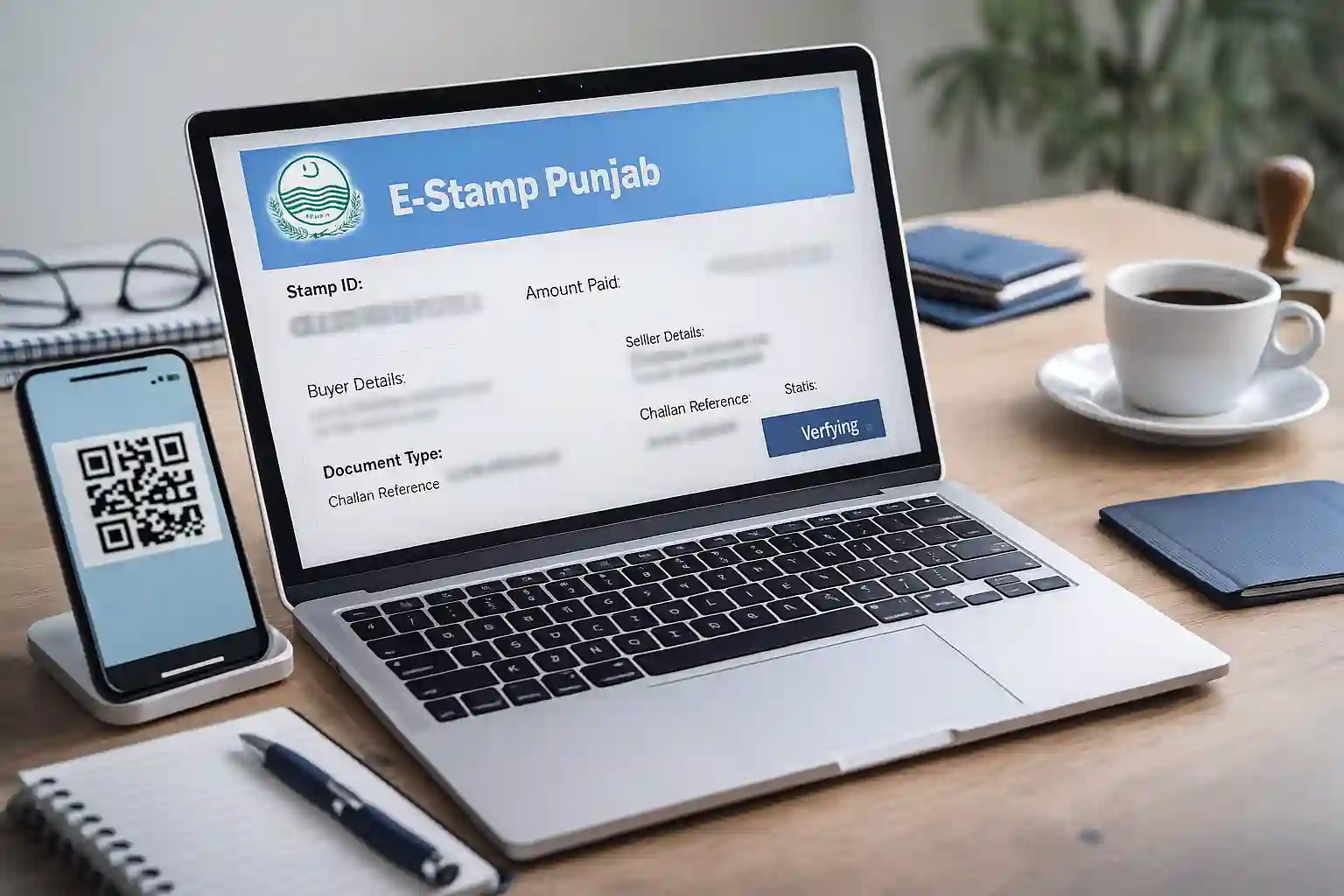
Punjab has fully moved to a digital stamp paper system in 2025, making the old manual stamp paper process outdated. The E-Stamp Punjab system, developed by the Punjab Information Technology Board (PITB), allows citizens to generate stamp papers online, verify their authenticity, calculate fees automatically, and download challan forms with just a few clicks. This digital transformation has brought transparency, security, and convenience to millions of people dealing with property, agreements, affidavits, and other legal documentation.
This complete guide explains how the E-Stamp Punjab system works, what documents are required, how to generate the challan, how to print the final stamp, and how to verify authenticity. Whether you’re buying property, preparing court documents, or drafting an agreement, this guide will help you complete the process quickly and correctly.
What Is E-Stamp Punjab?
E-Stamp Punjab is a digital stamp paper system introduced to replace traditional paper-based stamp papers. Instead of buying printed stamps from shops, you can generate a computerized e-stamp online. Each digital stamp contains:
- A unique Stamp ID
- QR code for verification
- Buyer & seller details
- Paid challan tracking
- Document type and purpose
The system is available 24/7, and anyone with internet access can use it.
Check Also: Karachi E-Challans Increase as 90 Traffic Signals Fail — New KTMC Authority Proposed
Why the E-Stamp System Is Important in 2025
The Punjab government introduced the E-Stamp system to address major issues found in the old system. In 2025, several new upgrades improved accuracy and convenience even further.
1. Fraud Prevention
Traditional stamp papers were often duplicated, reused, or forged. The digital QR-code-based system prevents tampering.
2. Easy Public Access
Citizens can generate stamp papers from homes, offices, or mobile phones.
3. Real-Time Verification
Buyers, sellers, courts, and authorities can instantly verify whether a stamp is genuine.
4. Automated Fee Calculation
The system calculates the exact stamp duty and Capital Value Tax (CVT) based on property details.
5. No Requirement to Visit Stamp Vendor
Avoid delays, middlemen, long queues, and service charges.
Who Needs Punjab E-Stamp?
Anyone preparing legal documentation in Punjab may need an e-stamp. Common use cases include:
- Property sale/purchase
- Transfer deeds
- Rent agreements
- Affidavits
- Power of attorney
- Business partnership agreements
- Mortgage documents
- Court fee documentation
- Indemnity bonds
Check Also: Why Sindh Wheat Market Is Shifting? Shocking Price Gap Explained!
Documents & Information Required (2025 Updated List)
Before you apply, keep these ready:
| Requirement | Details |
|---|---|
| Buyer/Applicant CNIC | Valid CNIC number and details |
| Seller/Party CNIC | Person’s CNIC involved in transaction |
| Property Information | Location, khasra/plot number, type |
| Purpose of Stamp | Sale deed, affidavit, agreement, etc. |
| District Selection | Stamp duty differs by district |
| Challan Information | Automatically generated |
How to Generate E-Stamp Punjab (Step-by-Step 2025 Guide)
The process is simple and designed for every citizen.
Step 1 – Visit the E-Stamp Punjab Portal
Open the official portal managed by PITB.
Step 2 – Select Your District
Choose the district relevant to your document.
Step 3 – Enter Buyer Details
Fill in CNIC, name, and contact information.
Step 4 – Enter Seller Details
Add the information of the other party involved.
Step 5 – Choose Document Type
Options include:
- Sale Deed
- Affidavit
- Rent Agreement
- Power of Attorney
- Partnership Document
Step 6 – Enter Property Details
If the document is related to land or property, enter:
- Khasra number
- Area
- Exact location
- Category
Step 7 – System Calculates Stamp Duty
The portal automatically calculates:
- Stamp Duty Fee
- CVT (if applicable)
- Total Challan Amount
No manual calculation is needed.
Step 8 – Generate Challan Form
Click “Generate Challan” to download the PDF.
Step 9 – Pay Challan in Bank
Visit National Bank of Pakistan (NBP) or any authorized bank branch and submit the challan.
Step 10 – Download Your E-Stamp
After bank verification:
- Login again
- Download your official e-stamp
- Print on A4 paper
The stamp is now legally valid.
How to Verify E-Stamp Punjab Online
Verification ensures that your stamp paper is authentic.
Method 1: Stamp ID Verification
Enter the unique stamp number on the verification page.
Method 2: QR Code Scan
Scan the QR code printed on your e-stamp using any mobile scanner.
Method 3: CNIC-Based Verification
Enter CNIC of the buyer or seller to view related stamps.
The verification result shows:
- Buyer details
- Seller details
- Challan status
- Payment confirmation
- Document type
- Stamp value
Check Also: Careerjobs1737 NESCOM Atomic Energy Jobs 2025 Announced – Apply Online Today
E-Stamp Punjab Fee Structure
The stamp duty fee depends entirely on:
- Document type
- Property’s DC rate
- District valuation
- Category of property
The system automatically calculates:
| Component | Description |
|---|---|
| Stamp Duty | Tax based on document or property value |
| Capital Value Tax (CVT) | Applied on property transfer |
| Registration Fee | If applicable |
Types of Documents That Must Use E-Stamp in 2025
| Document Type | Status |
|---|---|
| Property Sale Deed | ✔ Mandatory |
| Transfer Deed | ✔ Mandatory |
| Rent Agreement | ✔ Supported |
| Affidavit | ✔ Supported |
| Partnership Deed | ✔ Supported |
| Power of Attorney | ✔ Supported |
| Court Fee | ✔ Supported |
| Mortgage Deed | ✔ Mandatory |
Advantages of E-Stamp Punjab for Citizens
1. Zero Fraud Risk
Banks, courts, and authorities trust the QR-based digital stamp.
2. Instant Generation
Challan and stamp generation takes less than 10 minutes.
3. Government-Verified System
The stamp cannot be tampered with because all data is stored on government servers.
4. No Middleman Required
Self-service system keeps the process transparent.
5. Nationwide Verification
Even if you are abroad, you can verify Punjab e-stamps remotely.
Common Problems and Solutions
1. Wrong Information Entered
Challan cannot be edited once generated. You must apply again.
2. Stamp Not Downloading
Check if your challan payment has been updated. It may take a few hours.
3. QR Code Not Scanning
Use a high-quality mobile scanner and ensure the print is clear.
4. Payment Not Showing
NBP updates payments within 1–4 hours.
Frequently Asked Questions about E-Stamp Punjab 2025:
1. Can I generate an e-stamp from mobile?
Yes, the portal works on mobile and desktop.
2. Is the e-stamp valid for court submission?
Yes, it is accepted in all courts across Punjab.
3. Is payment refundable if I enter wrong details?
No, details must be entered carefully.
4. How long is e-stamp valid?
It has no expiry unless laws change.
5. Can overseas Pakistanis generate e-stamps?
Yes, they can generate and verify online.
Conclusion – E-Stamp Punjab 2025
The E-Stamp Punjab system is one of the most effective digital governance solutions in the province. Citizens can now easily generate, download, verify, and use e-stamps for all legal and property-related tasks without traveling to a stamp vendor. With its 2025 upgrades, the system is more secure, faster, and easier to use than ever before. Whether you are handling a sale deed, affidavit, rental agreement, or court-related paperwork, Punjab’s E-Stamp system delivers full transparency and convenience.