
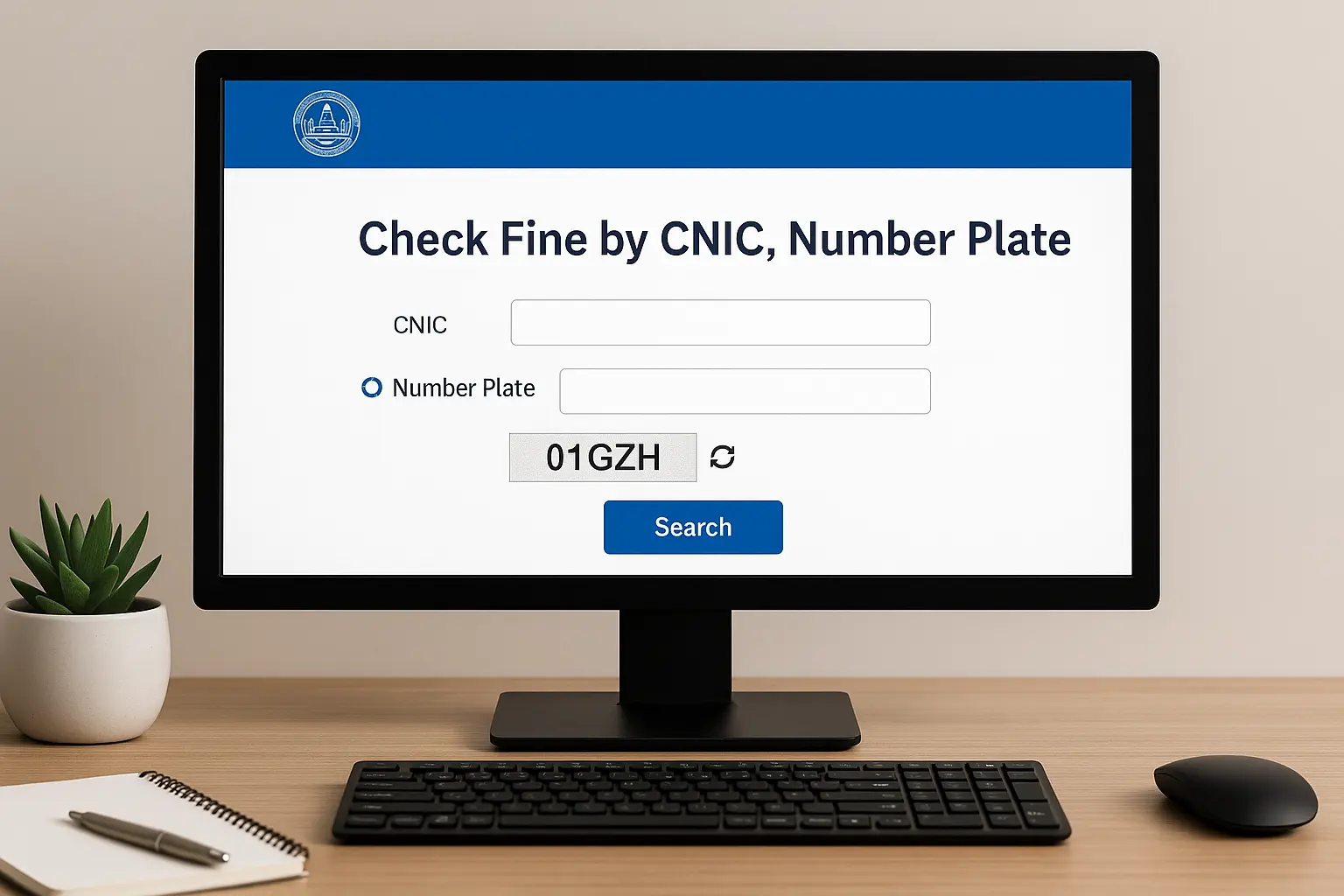
Traffic enforcement in Punjab has become faster and more transparent with the introduction of the digital e-challan system. The official portal eChallan PSCA GOP PK allows citizens to check their traffic challans online, verify payment status, download official challan PDFs, and review violation details captured through Safe City cameras. For millions of drivers across Lahore, Rawalpindi, Multan, Faisalabad, and other major cities, this online platform has become a necessary tool in 2025.
This detailed guide explains how to use the e-challan system, how to check fines, how to verify status, and how to pay them instantly through online banking channels.
What Is eChallan PSCA GOP PK?
The eChallan PSCA GOP PK portal is operated by the Punjab Safe Cities Authority (PSCA). It maintains an updated database of all traffic violations captured by:
- Safe City surveillance cameras
- ANPR (Automatic Number Plate Recognition)
- PSCA field enforcement teams
- Traffic police e-ticketing units
Every detected violation is automatically uploaded into the system, allowing citizens to check fines anytime without waiting for a physical challan.
The portal provides:
- Online fine status
- Challan download
- Violation photos
- Payment confirmation
- Traffic fine history
This makes the entire system transparent and prevents misunderstandings.
Check Also: Karachi E-Challans Increase as 90 Traffic Signals Fail — New KTMC Authority Proposed
Why the eChallan System Matters in 2025
The Punjab government upgraded the digital traffic enforcement system in 2025 to reduce road accidents, increase accountability, and ensure standardized traffic monitoring.
1. Real-Time Digital Challans
Violations are instantly detected and uploaded online — no human interaction needed.
2. Clear Photo Evidence
The challan system provides images of the violation when available.
3. Fair and Accurate Enforcement
ANPR cameras eliminate human error and ensure accurate reading of number plates.
4. Complete Transparency
Citizens can view all information online to avoid confusion or disputes.
5. Convenient Payment Options
You can pay challans through mobile apps, ATMs, bank counters, and digital wallets.
What You Need to Check eChallan Status
To check your challan, you need one of the following:
| Method | Information Required |
|---|---|
| By CNIC | Owner’s valid CNIC number |
| By Vehicle Number | Number plate (LEC-1234, LEA-9999, etc.) |
| By Challan Number | Reference number printed on challan |
How to Check Challan on eChallan PSCA GOP PK (2025 Guide)
Here is the simplest way to check your fine online:
Step 1 – Open the Official Website
Launch the PSCA e-challan portal in your browser.
Step 2 – Select Your Search Method
Choose:
- CNIC
- Vehicle Number
- Challan ID
Step 3 – Enter Details Carefully
Type the vehicle number exactly as it appears on your registration card.
Step 4 – Enter CAPTCHA Code
Solve the security code displayed on the page.
Step 5 – Click Search
Within seconds, the system will display:
- Violation type
- Time and location
- Fine amount
- Status (Paid or Unpaid)
- Downloadable challan
- Photo evidence (if available)
If your vehicle has multiple challans, all will appear in a list.
Check Also: Why Sindh Wheat Market Is Shifting? Shocking Price Gap Explained!
How to Download PSCA E-Challan PDF
You can download the challan for printing or bank payment using these steps:
- Search for your challan
- Click Download Challan
- Save the PDF
- Print it if needed
The PDF includes:
- Number plate
- CNIC
- Violation details
- QR code
- Challan ID
- Amount payable
How to Pay PSCA E-Challan Online (2025 Updated Methods)
The e-challan system supports multiple digital payment channels:
1. JazzCash Payment
- Open the JazzCash app
- Go to Traffic Challan Payment
- Enter CNIC or Challan ID
- Confirm and pay
2. Easypaisa Payment
- Open Easypaisa app
- Select Government Payments
- Choose Traffic Challan (Punjab)
- Enter vehicle or CNIC number
- Pay securely
3. Mobile Banking Apps
Most Pakistani banks support challan payment through:
- HBL
- Meezan Bank
- Bank Alfalah
- UBL
- MCB
- Allied Bank
Go to:
Bill Payments → Government → Traffic Challan
4. ATM Payment
Insert bank card → Bill Payments → Traffic Challan → Enter Challan ID → Pay.
5. Bank Counter Payment
Take the printed challan to any 1Link-supported bank and pay in cash.
How to Verify Your Payment Status
Payment updates typically take 1–3 hours. To verify:
- Visit the PSCA e-challan portal
- Enter your CNIC or vehicle number
- Check challan status
- If it shows PAID, your transaction is completed
If the status remains unpaid after 24 hours, contact PSCA support.
Check Also: Careerjobs1737 NESCOM Atomic Energy Jobs 2025 Announced – Apply Online Today
Traffic Violations Captured by PSCA Cameras in 2025
The Safe Cities system detects multiple major violations. Here are the most common:
| Violation | Fine (PKR) |
|---|---|
| Red Signal Violation | 2,000 |
| No Helmet (Bike) | 2,000 |
| Overspeeding | 750–2,000 |
| Fancy / Illegal Number Plate | 5,000 |
| No Seatbelt (Car) | 1,500 |
| One-way Violation | 2,000 |
| Lane Violation | 1,000 |
| Illegal Parking | 500 |
Benefits of Using eChallan PSCA GOP PK
1. Full Transparency
All challans include digital records — no hidden charges.
2. Time Saving
Check your fines instantly without visiting traffic offices.
3. Fair Enforcement
Automated ANPR cameras reduce favoritism or human influence.
4. Safe Driving Awareness
Drivers can track their violation history and improve behavior.
5. Mobility & Convenience
The system works 24/7 from any device worldwide.
Troubleshooting & Common Problems
❓ Challan not appearing online
The violation may still be under processing; wait 24 hours.
❓ Paid challan still appears unpaid
System sync may take time; keep checking.
❓ Wrong plate number format
Enter the exact format shown on your registration book.
❓ Multiple challans incorrectly issued
Contact PSCA and provide vehicle documents for correction.
Frequently Asked Questions about eChallan PSCA GOP PK 2025:
1. Can someone else pay my challan?
Yes, anyone can pay using CNIC or Challan ID.
2. Can I dispute a wrong challan?
Yes, by submitting evidence to PSCA support.
3. Are photos always available?
Most of the time, yes — especially for camera-based violations.
4. What happens if challan is ignored?
Your vehicle may be blocked or seized during checks.
5. Do challans apply to rented vehicles?
Yes — the challan goes to the registered owner’s CNIC.
Check Also: E-Stamp Punjab 2025 – Online Verification & Challan Download Guide
Conclusion – eChallan PSCA GOP PK 2025
The eChallan PSCA GOP PK system is a major milestone in Punjab’s traffic modernization efforts. With automatic violation detection, digital challan history, online payments, and real-time verification, citizens now have a transparent and convenient way to manage traffic fines. Whether you drive daily or occasionally, using this system ensures compliance with traffic laws and helps create safer roads across Punjab.